You can ask visitors a short set of health questions on the iPad kiosk before they check in. A visitor who answers Yes to any question is stopped and asked to see the front desk. Today the kiosk uses a fixed set of four questions; you cannot write your own yet.
Who this is for
Owners and admins. Health screening is included in the Pro and Enterprise plans.
Before you start
- You use the KyberAccess iPad kiosk app. The web kiosk link does not show health questions.
Menus: steps show the app launcher first and the classic menu in brackets. See Find your way around to tell which one you have.
Steps
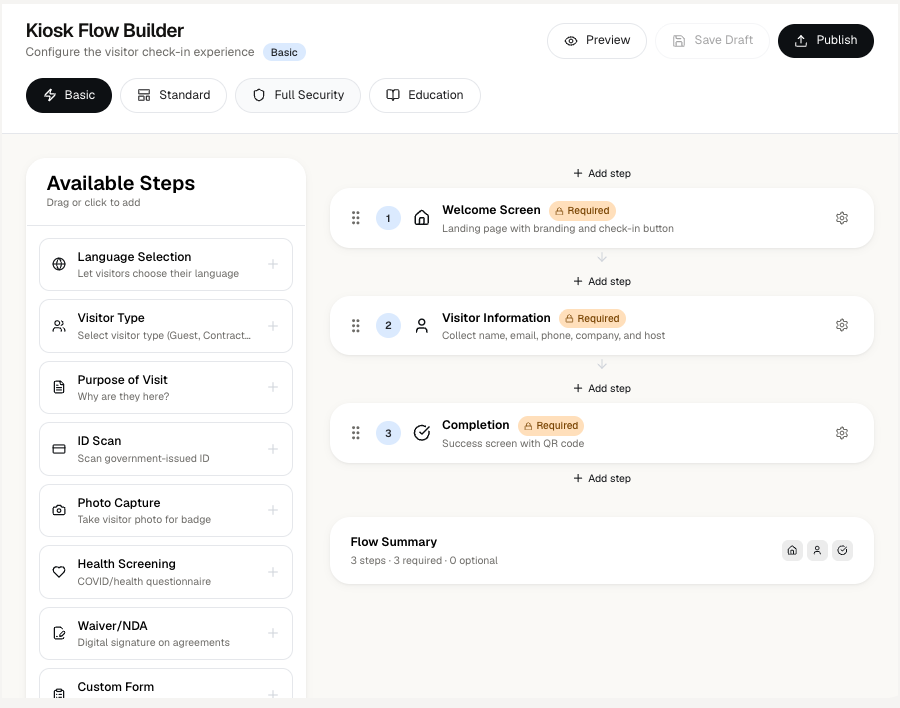
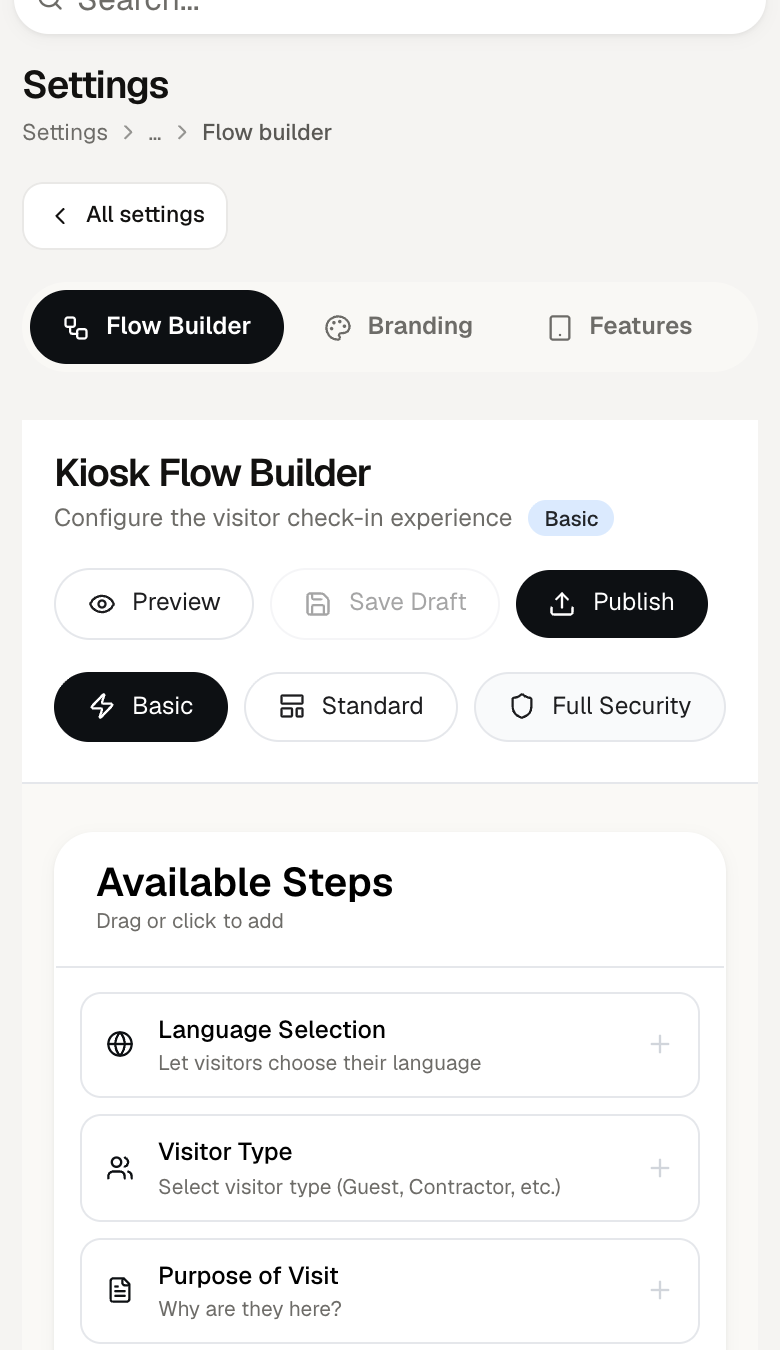
- Go to Settings › Apps › Front Desk › Kiosk flow (classic menu: Configure › Kiosk › Flow builder).
- Under Available Steps, click Health Screening to add it.
- Drag it to where it should appear. Most schools put it right after Visitor Information, so nobody scans an ID only to be turned away.
- Optional: turn on Conditional Logic on the step to ask only some visitor types.
- Click Publish.
What visitors see
The iPad shows these four questions, each with No and Yes buttons: 1. Do you currently have a fever or feel feverish? 2. Are you experiencing any cold or flu-like symptoms (cough, sore throat, shortness of breath)? 3. Have you tested positive for COVID-19 or any contagious illness in the past 5 days? 4. Have you been in close contact with anyone who has tested positive in the past 5 days?
- All No: "Screening Passed" and Continue.
- Any Yes: "Screening Not Passed. Please contact the front desk." The visitor cannot continue on the iPad. Staff can check them in another way if appropriate.
What happens next
- KyberAccess does not keep the answers today. Nothing appears under Documents › Health Screenings (app launcher: Apps › Front Desk › Documents; classic menu: Insights › Documents) for new check-ins, and no one is alerted when a visitor fails. The visitor must come to the desk.
Settings that change this
| Setting | Where | Effect |
|---|---|---|
| Health Screening step | Settings › Apps › Front Desk › Kiosk flow (classic: Configure › Kiosk › Flow builder) | Turns the questions on or off for the kiosk |
| Conditional Logic | the step's gear | Ask only some visitor types |
| Configure › Visitor policies › Health Screening (classic menu only; the app launcher hides this page) | — | Shows "not available yet". The old question editor was removed because the kiosk never used it. |
| Health Form ID | the step's gear | Currently has no effect. |
Troubleshooting
- My own questions do not appear. Custom questions are not supported yet. The kiosk always shows the four questions above.
- Visitor policies › Health Screening says "not available yet". That is expected. Use the Flow builder step above; it is the only control the kiosk reads.
- Visitors are not asked the questions. Check the step is in the flow, its Conditional Logic matches their visitor type, and you clicked Publish.
Related articles
- Build your kiosk check-in flow
- Require a waiver or NDA
- Visitor types and people roles