KyberAccess sends text messages from its own phone number. You don't need a Telnyx or Twilio account. This article lists which texts go out, who receives them, and what you control.
Who this is for
Owners and admins. SMS is included with Pro and Enterprise. Trials can send up to 50 texts in total.
Before you start
- Hosts get texts only if KyberAccess has their mobile number: on the host's entry in Settings › People & roles › Hosts (classic menu: Configure › Organization › Hosts), or on their user profile.
- Visitors and delivery recipients get texts only if a mobile number was entered for them.
- US numbers can be typed as 10 digits; other countries need the + and country code.
Menus: steps show the app launcher first and the classic menu in brackets. See Find your way around to tell which one you have.
Texts KyberAccess sends today
| Text | Who gets it | Turn it on or off |
|---|---|---|
| "Visitor has arrived at your building…" | The host, when their visitor checks in at the kiosk | On for every organization; no switch in the app (contact support to turn it off) |
| "Visitor has checked out of…" with duration | The host, when their visitor checks out at the kiosk | Always on when the host has a number |
| Arrival text to every member of a host group (department) | Group members with a mobile number | Same as the arrival text |
| "Here is your visitor pass: …" | A visitor who chose to get their pass by text when registering | Each time |
| "…a package is waiting for you at …" | Delivery recipient | Settings › Apps › Deliveries › Deliveries (classic: Configure › Deliveries), SMS switch |
| Visit reminder with pass link | Registered visitor | Settings › Apps › Front Desk › Pre-registration reminders (classic: Configure › Visitor policies › Pre-registration reminders) |
| Registration reminder | Event guest who started but didn't finish registering | Event reminder settings |
| "BOLO ALERT: name matched watchlist entry…" | The numbers under Watchlist › Alerts, and owners, admins and security with a phone on their profile | Watchlist › Alerts, SMS switch |
Every text is logged with its result. Ask support for a delivery report if a text didn't arrive.
Steps: check texts and send a test
- Open Settings › Integrations › SMS (classic menu: Configure › Integrations › SMS) (the page is titled Text messages (SMS)). It is read-only: Sent from (the KyberAccess number, partly hidden), This month (texts sent and failed for your organization), and whether Host arrival texts are on (support can turn them off).
- Under Send a test text, type your mobile number and select Send test. "Test message from KyberAccess" should arrive within a minute. You can send 5 tests an hour.
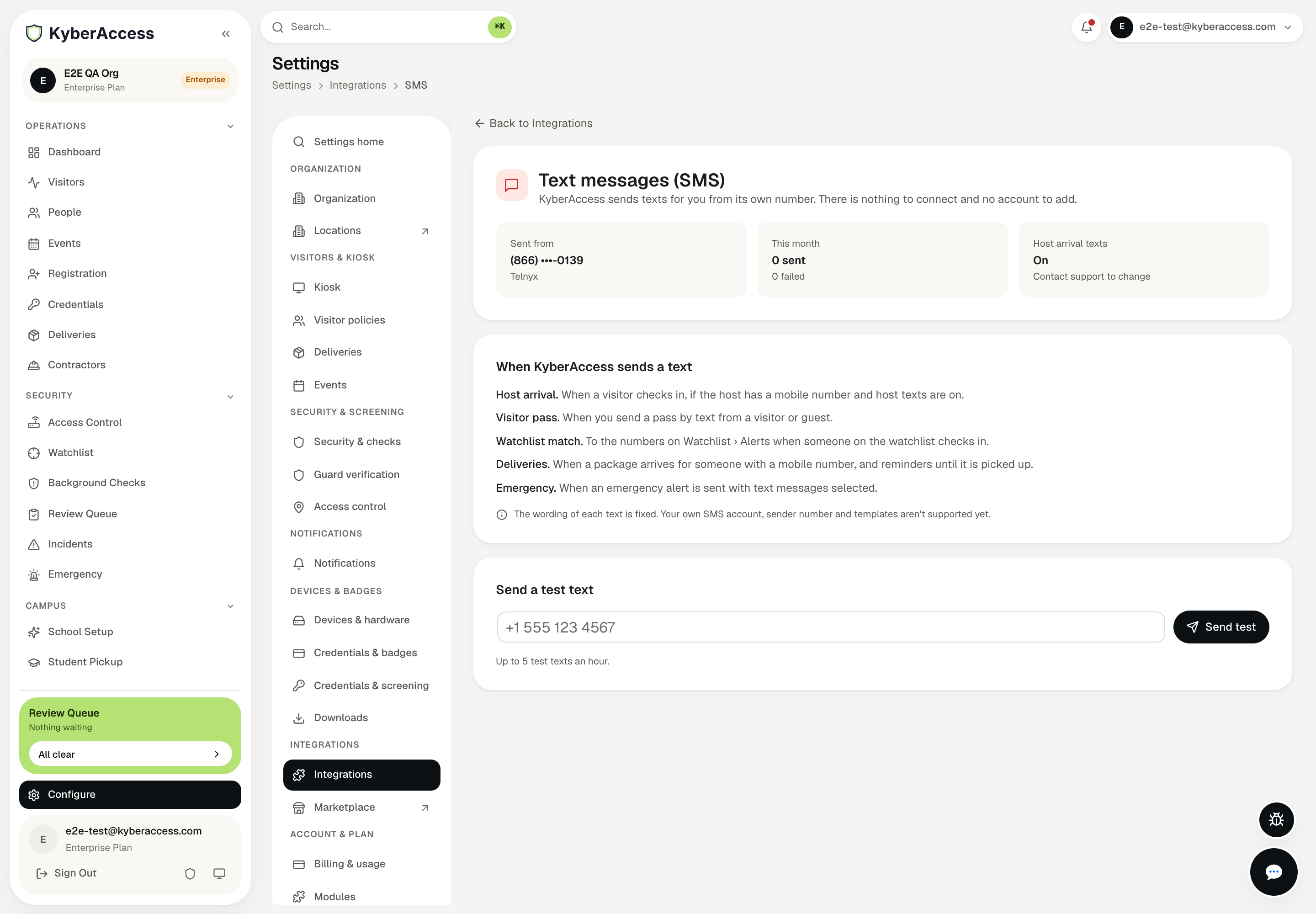
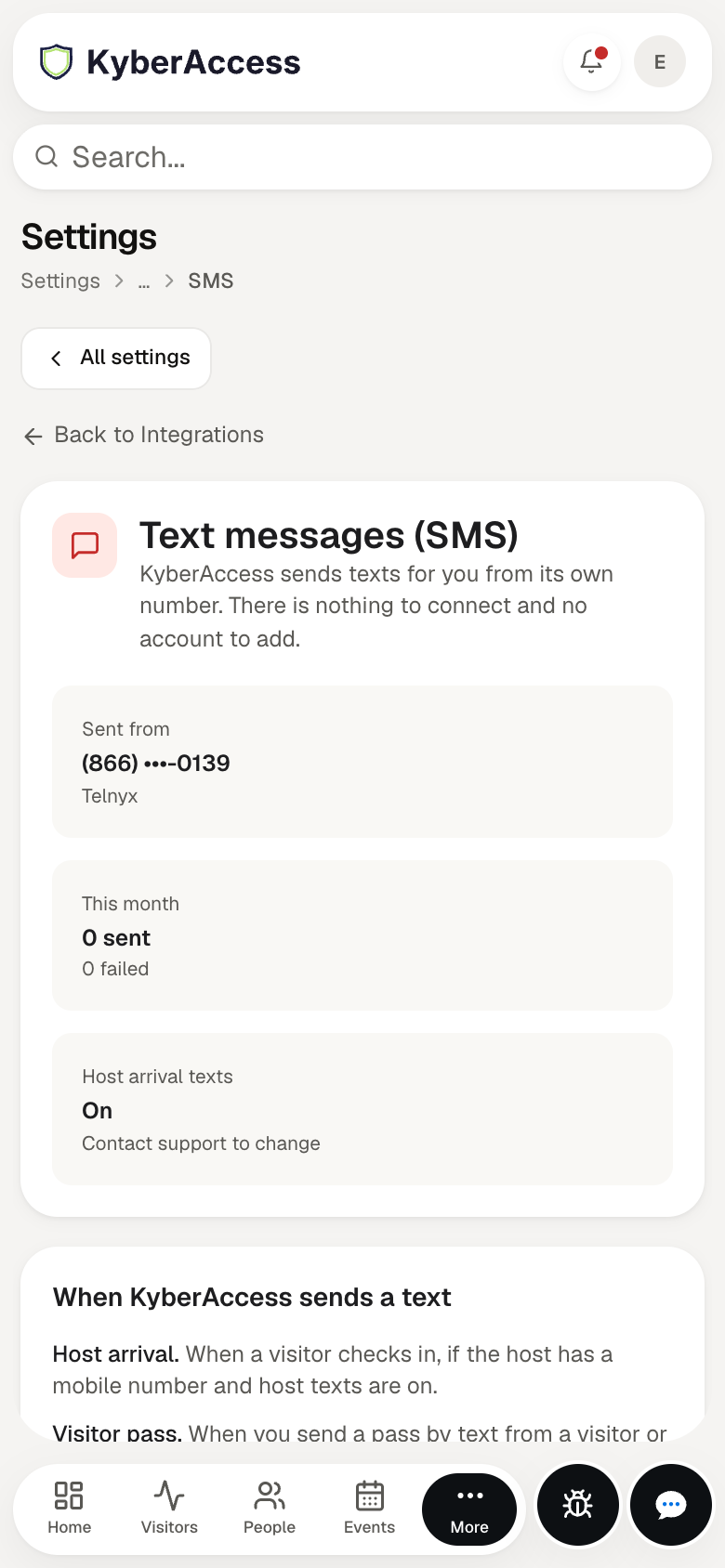
Your own SMS account, sender number and message templates aren't supported; the wording of each text is fixed.
What happens next
Texts are queued and normally arrive within a minute. A failed text is not retried. US carriers may block texts to some numbers; that shows as a failed text in the log.
Settings that change this
- Settings › Apps › Deliveries › Deliveries (classic: Configure › Deliveries) › SMS: package texts.
- Settings › Apps › Front Desk › Pre-registration reminders (classic: Configure › Visitor policies › Pre-registration reminders): visit reminder texts.
- Host mobile number: Settings › People & roles › Hosts (classic: Configure › Organization › Hosts).
Troubleshooting
- A host didn't get an arrival text → no mobile number on file, or the visitor checked in somewhere other than the kiosk → add the host's number in Hosts; arrival texts are sent for kiosk check-ins.
- Test says it was sent but nothing arrives → the carrier blocked it or the number is wrong → check the number including country code; contact support for the delivery result.
- Security didn't get a text for a watchlist match → no number on Watchlist › Alerts or on their profile → add the number; for an instant channel message also use Slack or Teams alerts.
- A trial org's texts stopped → the 50-text trial limit was reached → upgrade to continue.