None of these three connections opens a door or creates Wi-Fi access today. KyberAccess has setup pages for Brivo, Avigilon Alta and Cisco Meraki, but they don't control any hardware yet. This article explains what each page does now, so you don't rely on it at a door.
Who this is for
Owners and admins planning door or Wi-Fi integrations.
Before you start
Don't remove your existing door rules or Wi-Fi process in favor of these pages. Talk to support first.
Menus: steps show the app launcher first and the classic menu in brackets. See Find your way around to tell which one you have.
Brivo
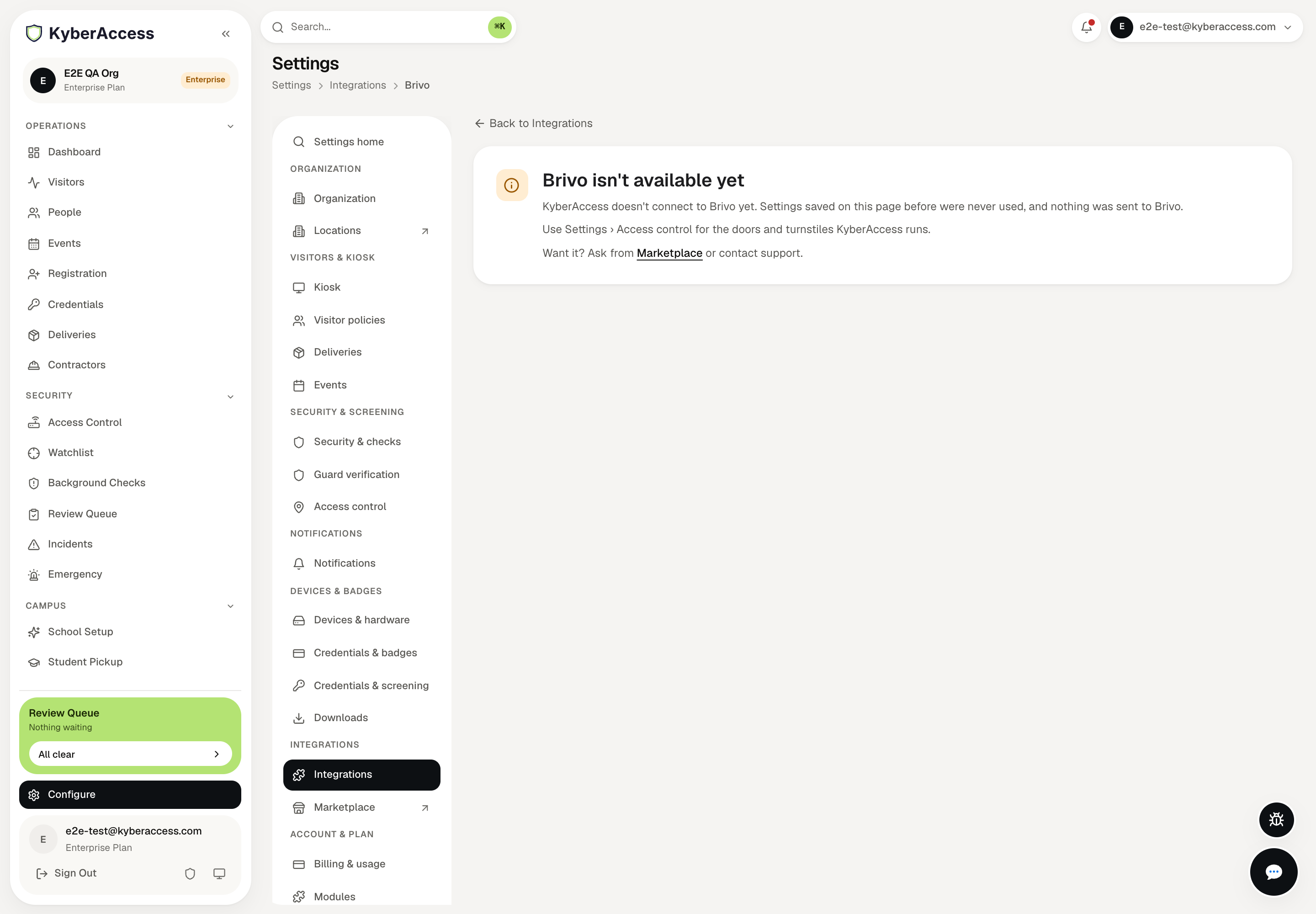
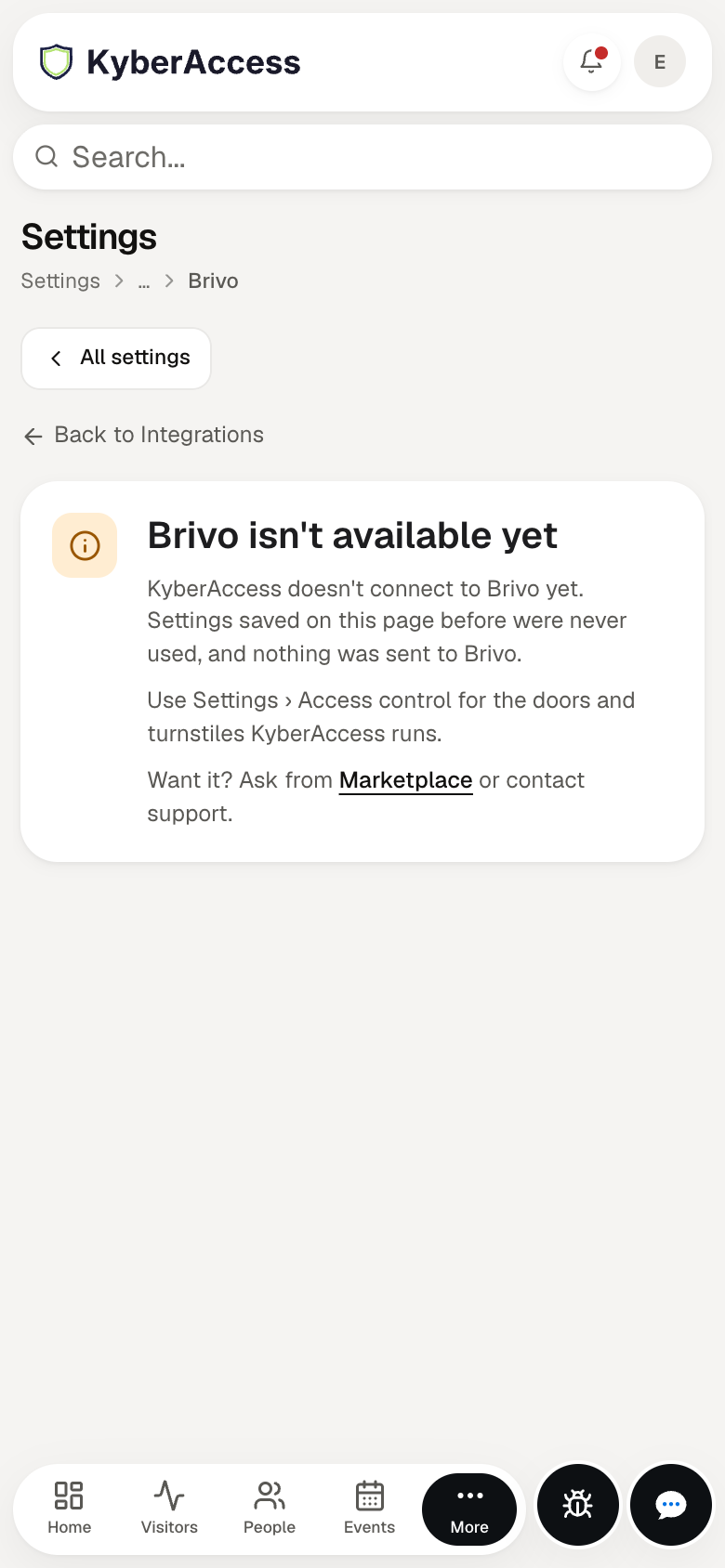
- Settings › Integrations › Brivo (classic menu: Configure › Integrations › Brivo) shows Brivo isn't available yet. KyberAccess does not grant or revoke Brivo door access. Keys saved there before were never used.
Avigilon Alta
- Settings › Integrations › Avigilon Alta (classic menu: Configure › Integrations › Avigilon Alta) shows Generate API Key and a webhook URL and request format.
- Don't configure your intercoms with that URL. It points to an old address that no longer answers, so scans would go nowhere.
- KyberAccess has a newer Alta connection that records which pass was scanned at an intercom, in observe-only mode: it reports whether the pass is valid but never unlocks the door. It is set up per intercom by our team. Contact support if you want to trial it.
Cisco Meraki
- Settings › Integrations › Cisco Meraki (classic menu: Configure › Integrations › Cisco Meraki) shows Cisco Meraki isn't available yet. Nothing creates guest Wi-Fi accounts at check-in.
What to do instead
- Keep doors and turnstiles on your current access rules. KyberAccess turnstiles and its gateway check passes on their own; see Apps › Access (classic menu: Configure › Access control), which is watch-only today.
- For guest Wi-Fi, put the network name and password in the badge Footer Text (Settings › Apps › Front Desk › Badges; classic menu: Configure › Credentials & badges › Visitor badges), or post it in the lobby.
- Ask support about the Alta observe-only trial or a timeline for any of these.
What happens next
Nothing reaches Brivo, Alta or Meraki from these pages.
Settings that change this
None. Settings saved on these pages currently have no effect.
Troubleshooting
- An intercom scan does nothing → the webhook URL on the Avigilon page is out of date → remove it from the intercom and contact support.