See which plan you're on, what it includes, how much of it you're using, and where to find invoices. Prices on your own plan come from your contract; the list prices below are for comparison only.
Menus: steps show the app launcher first and the classic menu in brackets. See Find your way around to tell which one you have.
Who this is for
- Owners and admins. Other roles don't see Settings (Configure in the classic menu).
The plans
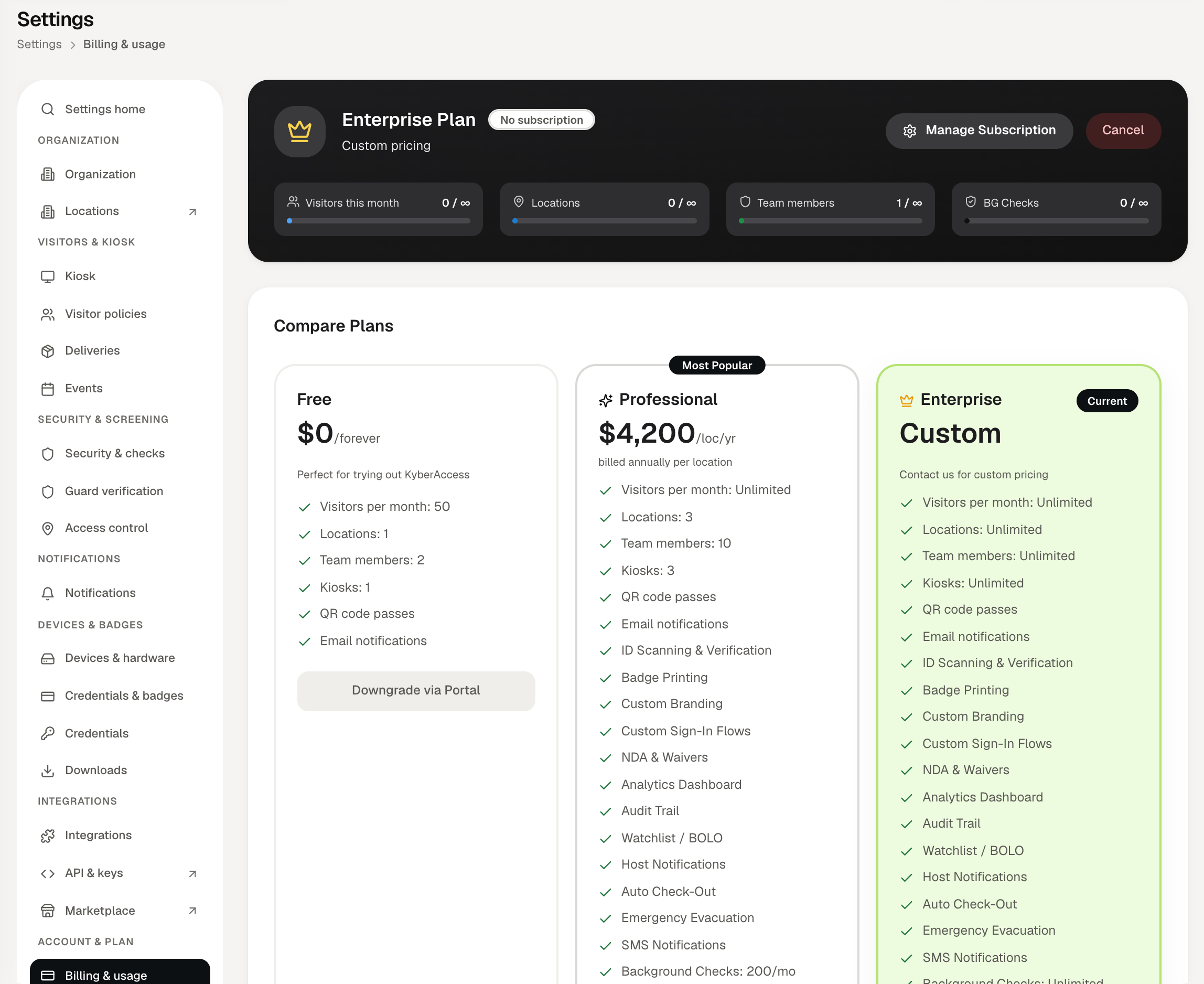
| Free | Pro (shown as Professional) | Enterprise | |
|---|---|---|---|
| List price | $0 | $4,200 per location per year | Custom, contact sales |
| Sites | 1 | 3 | Unlimited |
| iPad kiosks | 1 | 3 | Unlimited |
| Check-ins per month | 50 | Unlimited | Unlimited |
| Team members | 2 | 10 | Unlimited |
| Background screenings | Not included | 200 a month, then $0.50 each | Unlimited |
| ID scanning, badge printing, branding, waivers, analytics, audit trail, watchlist, emergency roll call, SMS, Wallet passes, events, deliveries, school campus features | No | Yes | Yes |
| Single sign-on, API keys, white label, your own domain, compliance center, vehicles and contractors | No | No | Yes |
A 14-day trial includes everything in Enterprise. See Your free trial.
If your organization has a negotiated contract, the top of the page shows your rate (for example "billed by invoice") and Negotiated contract rate, not the list price.
Steps
Check your plan and usage
- Open Settings › Billing & modules › Plan & invoices (classic menu: Configure, then Billing & usage under Account & plan).
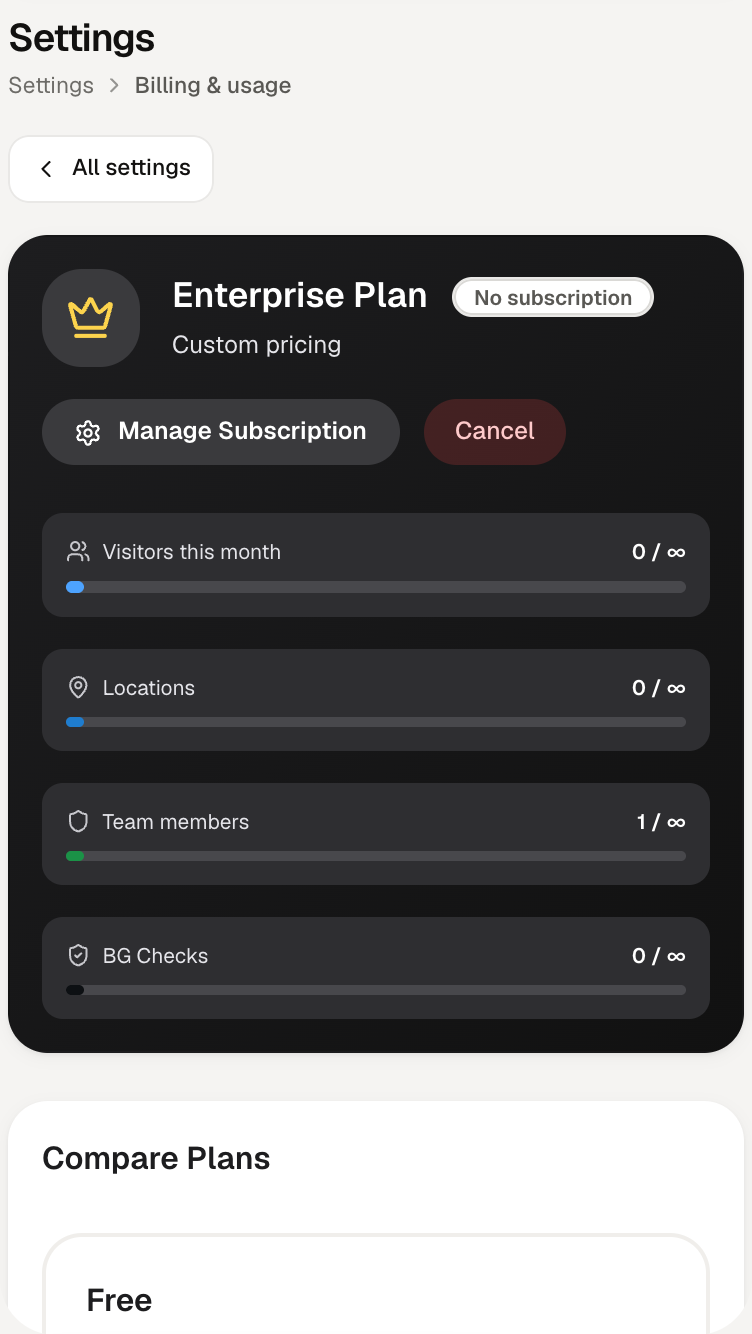
- The dark card at the top shows your plan name, its status (Active, Trial, Past Due, Canceled or No subscription) and, for card-billed plans, the renewal date.
- The tiles show Visitors this month, Locations, Team members and BG Checks against your plan's limits (∞ means unlimited). Visitors this month counts new people added to your directory this month, not every check-in; repeat visitors aren't counted again.
- Click the BG Checks tile for a monthly breakdown of screenings and any overage.
Upgrade to Pro
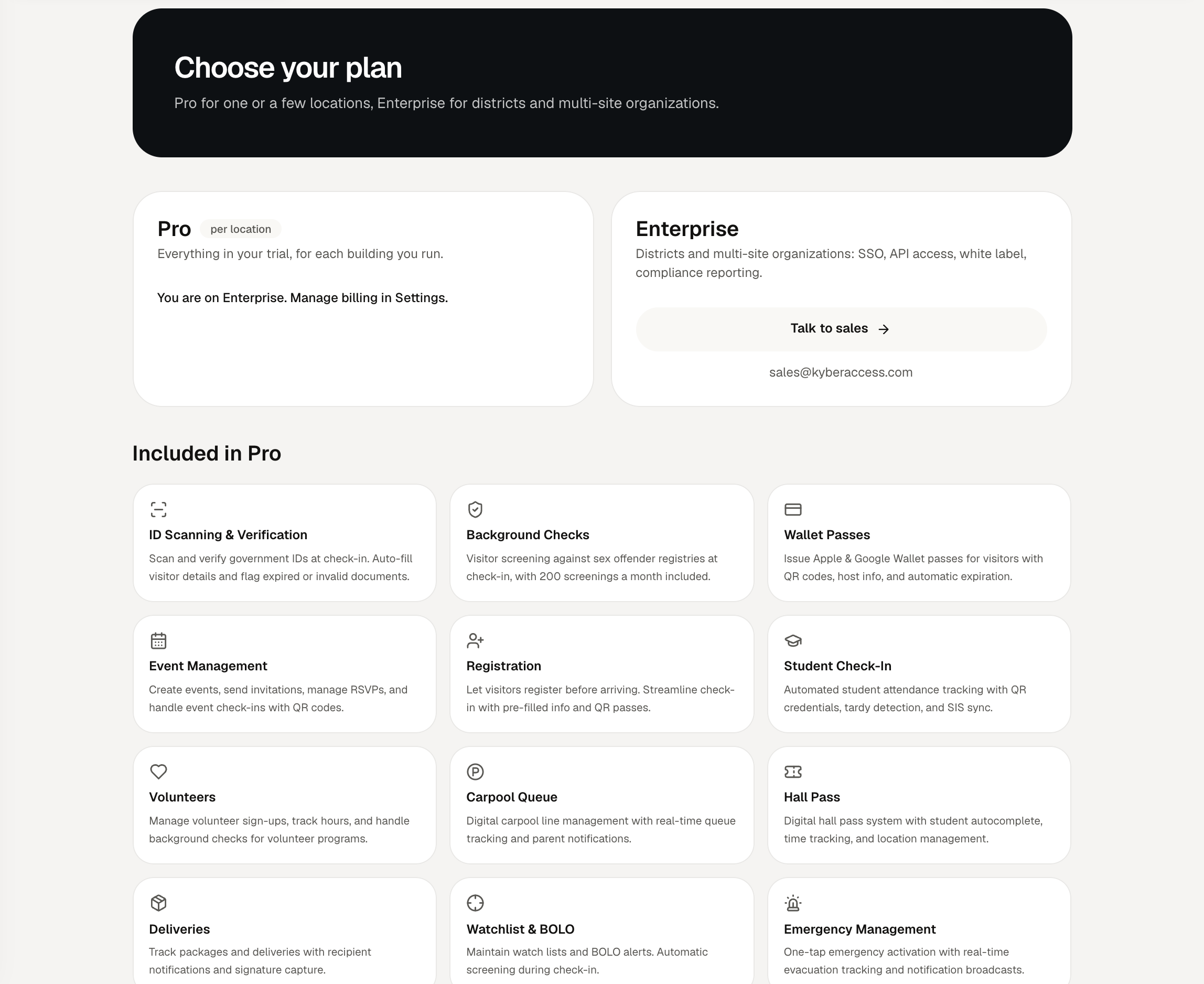
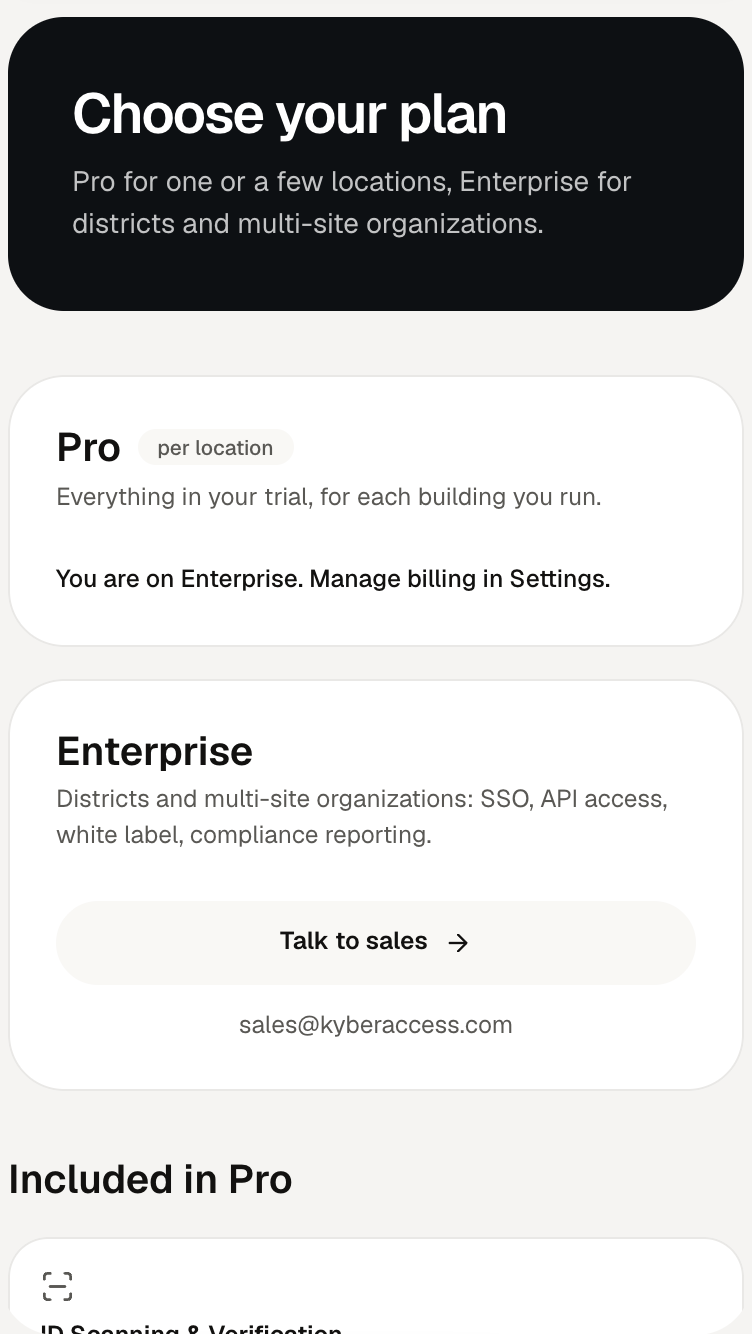
- On Billing & usage, click Upgrade Now (or Upgrade to Pro under Compare Plans). If you're on a trial, use Choose a plan in the banner instead; it opens the Choose your plan page.
- On Choose your plan, pick yearly or monthly, enter the number of Locations, and click Continue to checkout.
- Pay on the secure Stripe page. You see the exact total before you pay.
For Enterprise, click Contact Sales (or Talk to sales), or email sales@kyberaccess.com.
Update your card, download receipts or cancel
- On Billing & usage, click Manage Subscription (or Manage / Add Card under Payment Method).
- The Stripe billing portal opens. There you can change the card, download receipts and cancel.
- Cancel on the KyberAccess page also opens this portal; cancellation itself happens in Stripe.
If you pay by invoice, the page says Billed by invoice and no card is kept on file. Email billing@kyberaccess.com to change payment terms.
Find invoices
- Card-billed invoices are listed under Invoice History with date, amount and status (Paid, Failed or Pending), each with a link to the invoice.
- Invoices paid outside Stripe (purchase order, check, ACH) don't appear here. Ask billing@kyberaccess.com for copies.
What happens next
- After checkout, the plan changes and the extra features unlock. Refresh the page if a feature still shows a lock.
- When you reach a limit, KyberAccess blocks the new item and says so, for example "You've reached your plan limit of 3 locations" or an "Upgrade" message when connecting another iPad. Existing sites and kiosks keep working.
- Over 200 screenings a month on Pro, each extra screening is billed at $0.50.
- On Free, check-ins past 50 in a month still go through today.
- The Team members limit is shown for reference; inviting more people than it allows isn't blocked today.
Settings that change this
| Setting | Where | Effect |
|---|---|---|
| Plan | Billing & usage or Choose your plan | Which features and limits apply |
| Add-ons | Settings › Billing & modules › Get more (classic: Configure › Marketplace) | Turns on extra modules (see Add-ons and the marketplace) |
| Negotiated contract | Set by our team | Your rate and payment method on this page |
Troubleshooting
- "Checkout could not start" or "Stripe checkout is unavailable" → card checkout isn't available for your account → email sales@kyberaccess.com and we'll set up the plan.
- "No invoices yet" but I've paid → you pay by invoice, or paid before card billing was set up → email billing@kyberaccess.com.
- "Payment failed — please update your payment method" → the card was declined → click Manage Subscription and update the card.
- The Pro card shows $4,200 but my contract is different → Compare Plans shows list prices → your own rate is at the top of the page.
- A menu item shows a lock → it isn't in your plan → see A menu item shows a lock.