Send each credential holder one email 30, 14 or 7 days before their credential expires, so nobody finds out at the door.
Who this is for
Owners and admins. Credentials need the Pro plan or higher.
Before you start
- Holders need an email address on their credential or on their person record. Holders with no email are skipped.
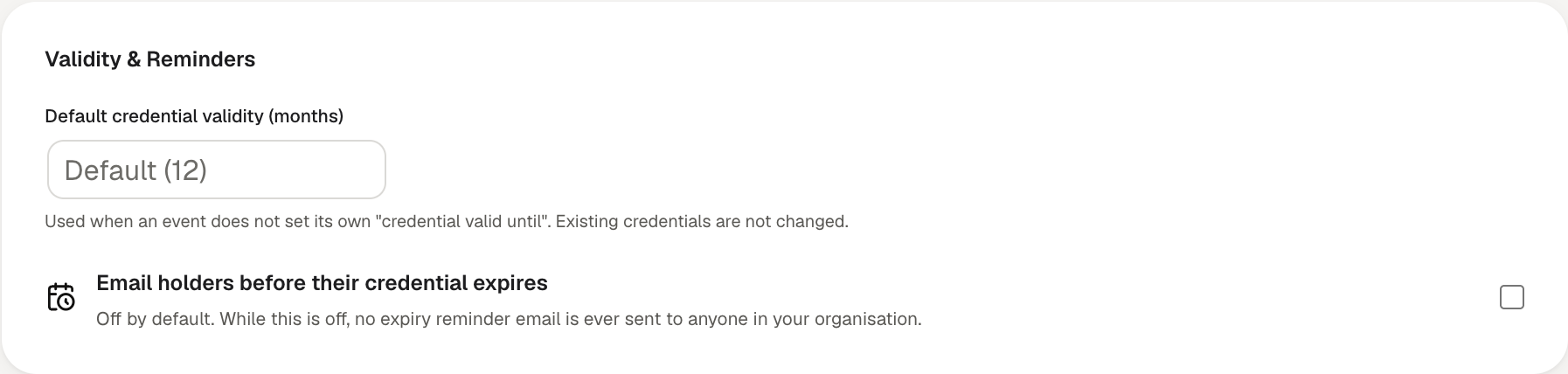
- Credentials with no expiry date never get a reminder.
- Plan how people should renew. The email tells them to contact you; it has no renew button.
Menus: steps show the app launcher first and the classic menu in brackets. See Find your way around to tell which one you have.
Steps
- Open Settings › Security & policies › Credentials & screening (classic menu: Configure › Credentials & screening). (Or select the gear button on the Credentials page.)
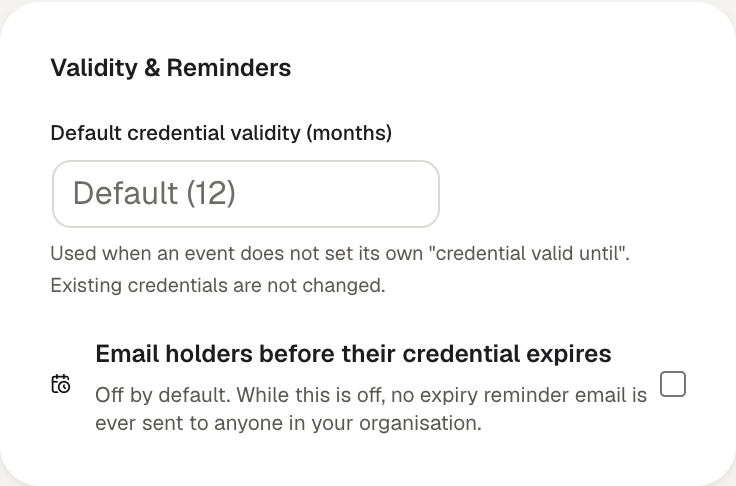
- Under Validity & Reminders, tick Email holders before their credential expires.
- In Send the reminder, choose 30 days before expiry, 14 days before expiry or 7 days before expiry. New selections start at 30.
- Select Save at the top of the page.
What happens next
- Once a day, around 10:15 AM ET, KyberAccess emails every holder whose active credential expires within the window you chose.
- Each holder gets one reminder per expiry date. If you renew a credential, they are reminded again before the new date.
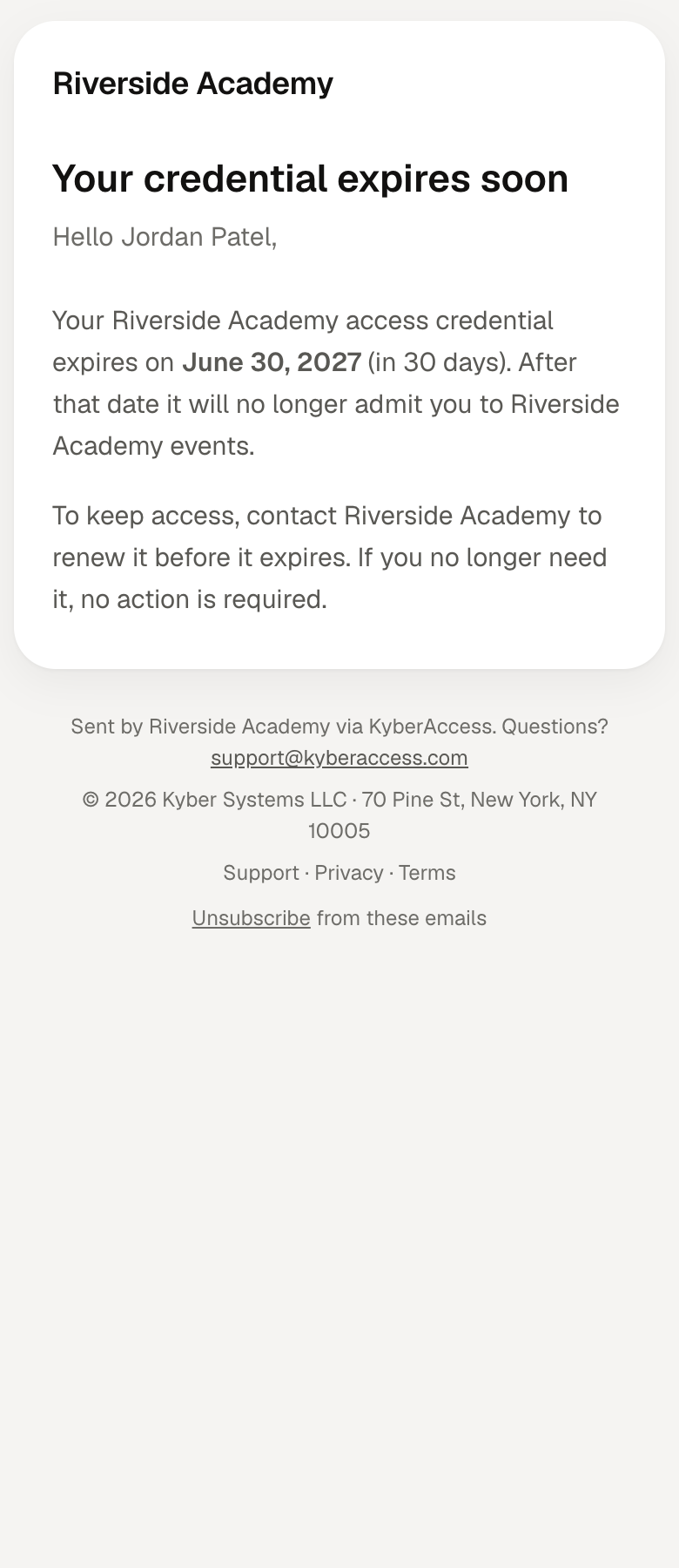
- The email comes from your organization's events address with your logo and colors:
- Subject: Your [organization] credential expires [date]
- "Your [organization] access credential expires on [date] (in N days). After that date it will no longer admit you to [organization] events. To keep access, contact [organization] to renew it before it expires."
- The email has no QR code and no personal details.
- Each reminder is recorded as Expiry reminder sent on the credential's Timeline and on Credentials › Activity (filter Passes & reminders).
- On the day it expires, the credential stops working within a few minutes.
Settings that change this
| Setting | Where | Default | Effect |
|---|---|---|---|
| Email holders before their credential expires | Settings › Security & policies › Credentials & screening (classic: Configure › Credentials & screening) | Off | No reminders are sent while off |
| Send the reminder | Settings › Security & policies › Credentials & screening (classic: Configure › Credentials & screening) | 30 days | How far ahead |
| New credentials last | Settings › Security & policies › Credentials & screening (classic: Configure › Credentials & screening) | 12 months | Length of new credentials when nobody sets a date |
The old Persistent Credentials page with Send Reactivation Email was removed; it did nothing.
Troubleshooting
- Nobody got a reminder: check the setting is ticked and saved. Reminders only go to credentials expiring inside the window, starting the next morning.
- One person didn't get it: their credential has no expiry date, no email, or is suspended. A person with several credentials gets one email per day; the next one follows the day after.
- Turned it on late: people whose credential expires in less time than the window still get one reminder the next morning.
- Too many people are about to expire: renew them first in Credentials › Renewals; renewed credentials aren't reminded until their new date approaches.