Every Monday at 7:00 AM (your organization's time zone) KyberAccess emails owners, admins and security staff a one-page summary of last week: visitors per location, the busiest day and hour, holds and denials, what needs attention, and the week ahead. It is on by default.
Who this is for
- Sent to: active team members with the Owner, Admin or Security role who have signed in at least once and have an email address.
- Plans: Pro, trial and Enterprise. Free plans don't get it.
- Owners and admins can turn it off for everyone. Each person can turn it off for themselves.
Before you start
- Set your time zone in Settings › Organization › General (classic menu: Configure › Organization); the send time and the week boundaries use it.
- Give each location a name in Settings › Organization › Sites & places (classic menu: Configure › Organization › Sites) so the By location table is readable. Visits with no site appear as "Unassigned".
Menus: steps show the app launcher first and the classic menu in brackets. See Find your way around to tell which one you have.
What's in the email
| Section | Shows |
|---|---|
| Top tiles | Visitors (with the change from the week before), Peak day and hour, Holds/denied and average stay |
| By location | Visits, peak time, held and denied per site |
| Needs attention | People waiting in the review queue, credentials expiring in the next 30 days (with names), packages waiting for pick-up |
| Events · next 7 days | Each upcoming event with confirmed / invited RSVPs |
| Drills & emergencies | Drills or emergencies last week, with accounted-for / on-site counts |
| Busiest hosts | Hosts with the most visitors |
The week runs Monday 12:00 AM to the following Monday 12:00 AM, local time. The email ends with an Open dashboard button.
Steps
Turn it on or off for your organization
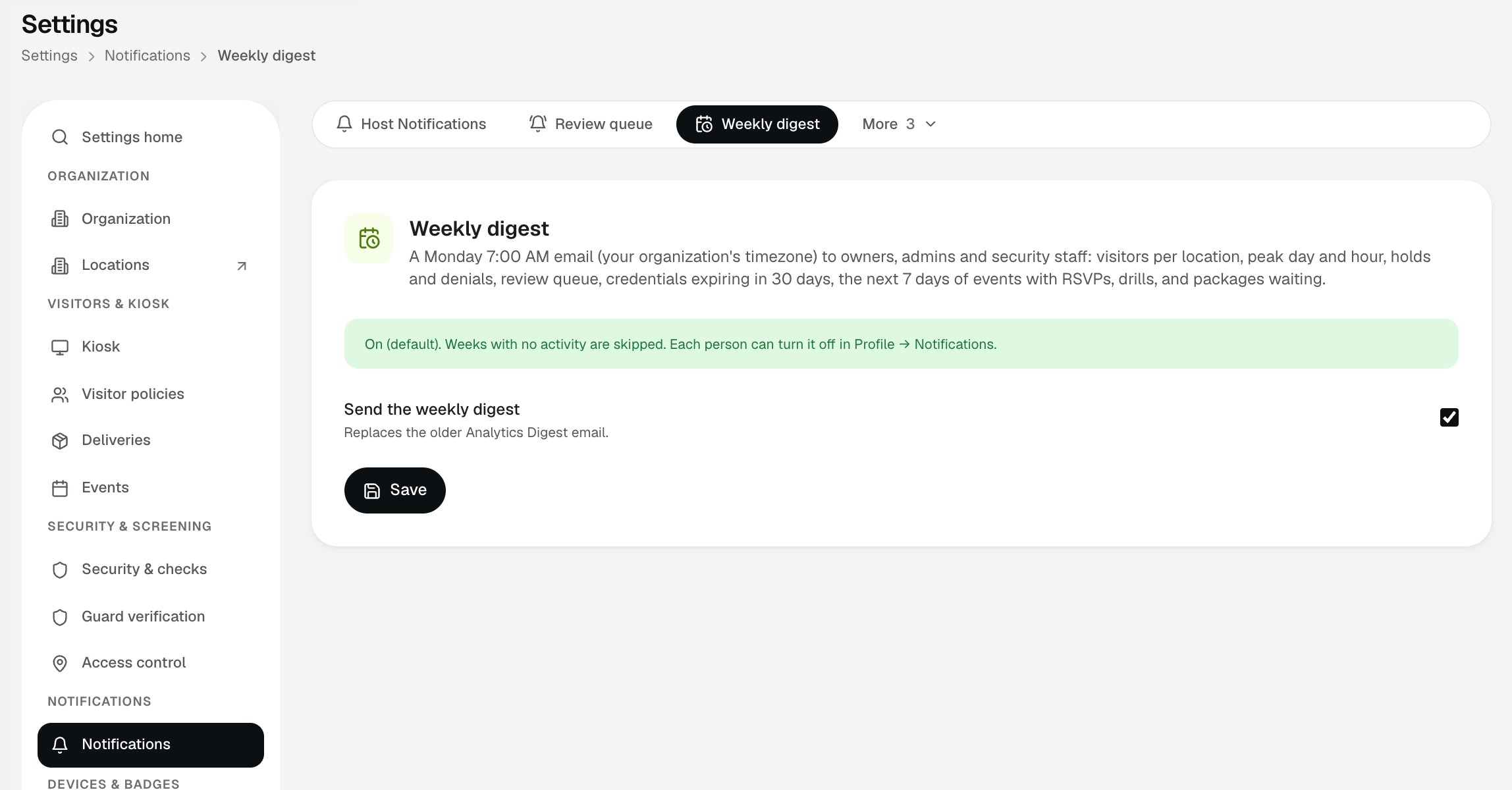
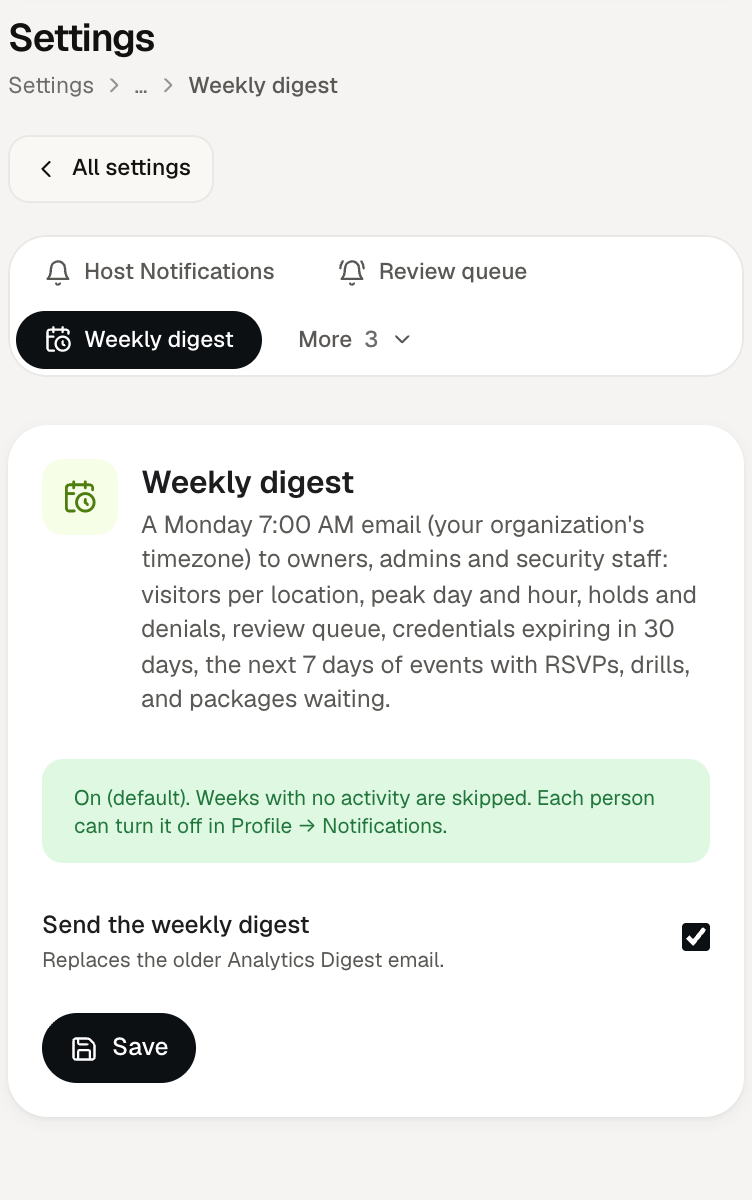
- Go to Settings › Apps › Insights › Weekly digest (classic menu: Configure › Notifications › Weekly digest).
- Tick or untick Send the weekly digest.
- Click Save. The green box says On (default) when it is on.
Turn it off for yourself
- Open My Profile.
- Under Notifications, untick Weekly digest email. It saves straight away.
What happens next
The next digest goes out the following Monday between 7:00 and 9:00 AM local time, once per person. If nothing happened last week (no visits, denials, holds, review items, events, drills or deliveries), no digest is sent that week.
Settings that change this
| Setting | Where | Default | Effect |
|---|---|---|---|
| Send the weekly digest | Settings › Apps › Insights › Weekly digest (classic: Configure › Notifications › Weekly digest) | On | Off stops it for everyone |
| Weekly digest email | My Profile › Notifications | On | Off stops it for you only |
| Time zone | Settings › Organization › General (classic: Configure › Organization) | Eastern Time | Send time and week boundaries |
| Role | Team & roles | — | Only owners, admins and security receive it |
Troubleshooting
- I didn't get a digest this Monday → Check: your role is owner, admin or security; your plan is Pro, trial or Enterprise; the org switch and your profile switch are on; and there was activity last week. Then search Email Tracking for "Weekly digest".
- A teammate gets it but I don't → You may never have signed in, or your role is different. Check Team & roles.
- The digest arrives at the wrong hour → Your organization's time zone is wrong in Settings › Organization › General (classic menu: Configure › Organization).
- Front desk staff want it too → It goes only to owners, admins and security. Change their role if appropriate.
- I used to get "Analytics Digest" → The weekly digest replaced it.