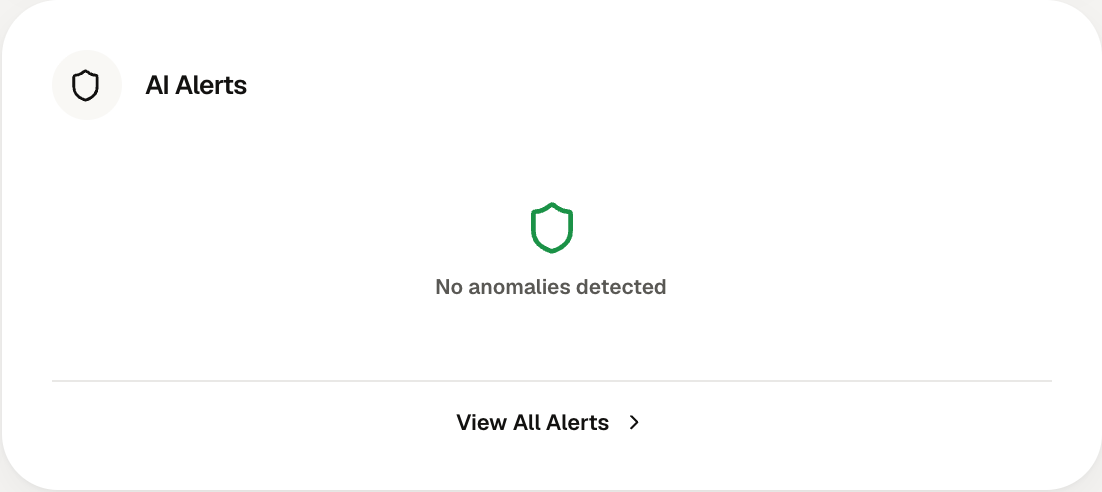
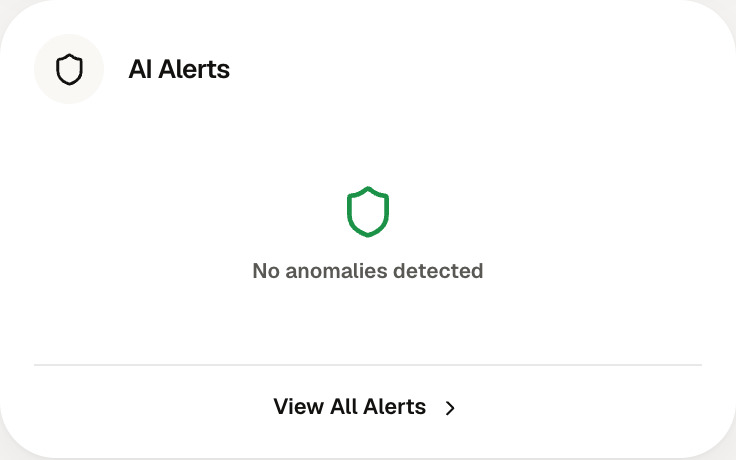
Anomaly alerts warn you when check-ins are far lower than usual, which often means a kiosk or iPad has stopped working. KyberAccess checks once a day, early in the afternoon. New alerts show on the AI Alerts card on your dashboard.
Who this is for
- Owners and admins see the AI Alerts card on the dashboard. The card needs the Pro or Enterprise plan.
- Guard and Front Desk / Security accounts work in guard mode and don't see the dashboard card.
What KyberAccess checks
- Every day at 1:15 PM ET, KyberAccess counts your check-ins since midnight and compares them with the same hours on your three most recent operating days.
- It only judges days your organization is normally open. A weekday counts as open when you've had check-ins on at least 40% of the same weekday over the last four months, so weekends and days you're always closed don't trigger anything.
- It raises an alert when today's count is 20% or less of the busiest of those recent days:
- Check-ins unusually low at your organization: your recent busiest day had 8 to 14 check-ins by that hour.
- Check-ins collapsed at your organization: your recent busiest day had 15 or more.
- Quiet accounts (fewer than 8 check-ins by that hour on recent days), new accounts with under about six weeks of history, and accounts that have already been quiet for two operating days in a row are not judged.
- The alert text says how many check-ins you had, the recent counts it compared against, and whether your devices have been in contact with KyberAccess.
- You get at most one alert of each kind per day.
Steps
When you see an alert
- Check the kiosk or iPad at each entrance. Is it on, connected to Wi-Fi, and showing the check-in screen?
- Ask the front desk whether visitors are signing in some other way today, such as on paper.
- If the building is closed today (snow day, holiday, testing day), you don't need to do anything.
- If a device is broken, follow Set up an iPad kiosk or contact support.
Turn the card on or off
- On Dashboard, click Customize.
- Show or hide AI Anomaly Alerts.
What happens next
- The card shows up to three of the newest alerts and keeps them until they're dismissed.
- For collapsed check-ins, your owners, admins and security staff are emailed, and so is KyberAccess support (we may contact you). Unusually low alerts are not emailed.
Settings that change this
- None. You can't change the time or the thresholds. Who gets the email follows team roles (owner, admin, security).
Review alerts on the Anomaly Alerts page
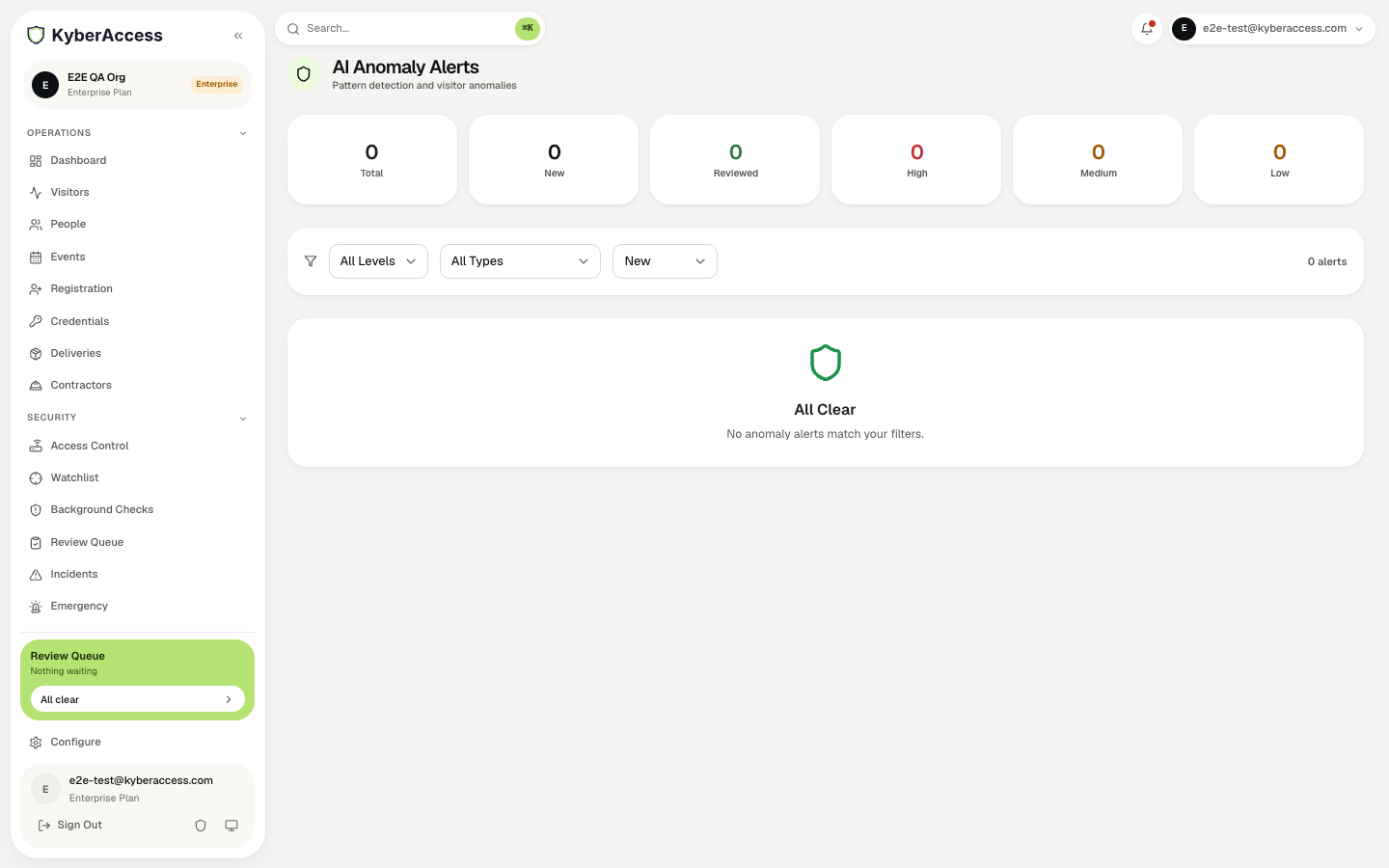
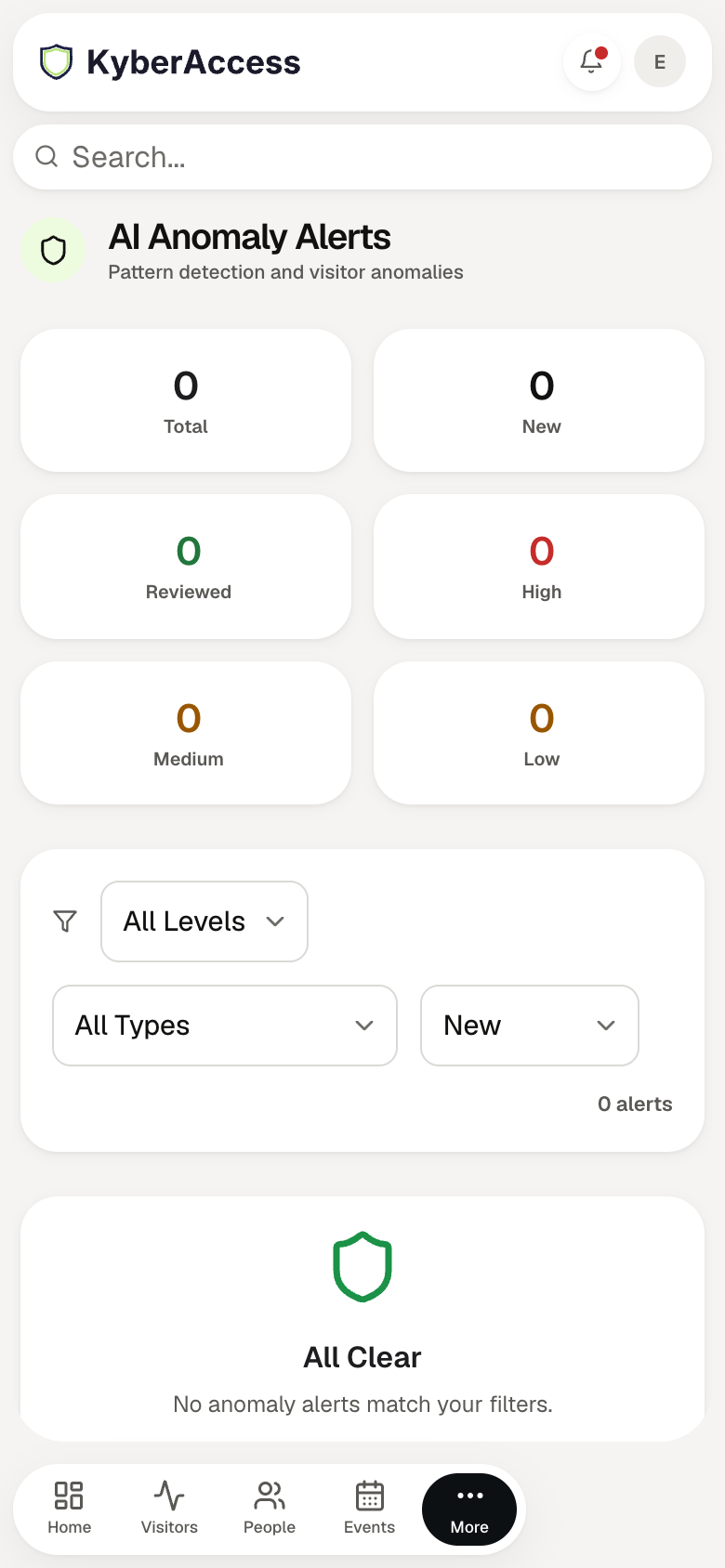
View All Alerts opens the Anomaly Alerts page. It lists every alert with its level (High for collapsed, Medium for unusually low), the time it was raised and the full text. Filter by level, type and status. - Mark Reviewed (check mark): you looked into it. - Dismiss (×): not a problem, for example a closed day. - Escalate (lightning): marks it escalated and posts a critical alert to the notification bell for your team.
Troubleshooting
- I got an alert on a day we were closed → KyberAccess didn't know you were closed → ignore it. Closing on the same weekday for a few weeks in a row teaches it that weekday isn't an operating day.
- Our kiosk was down and no alert came → you're below the 8-check-in minimum, too new, or it was before 1:15 PM ET → check devices each morning.
- I can't find the AI Alerts card → it's hidden or your plan is Free → click Customize on the dashboard, or upgrade.