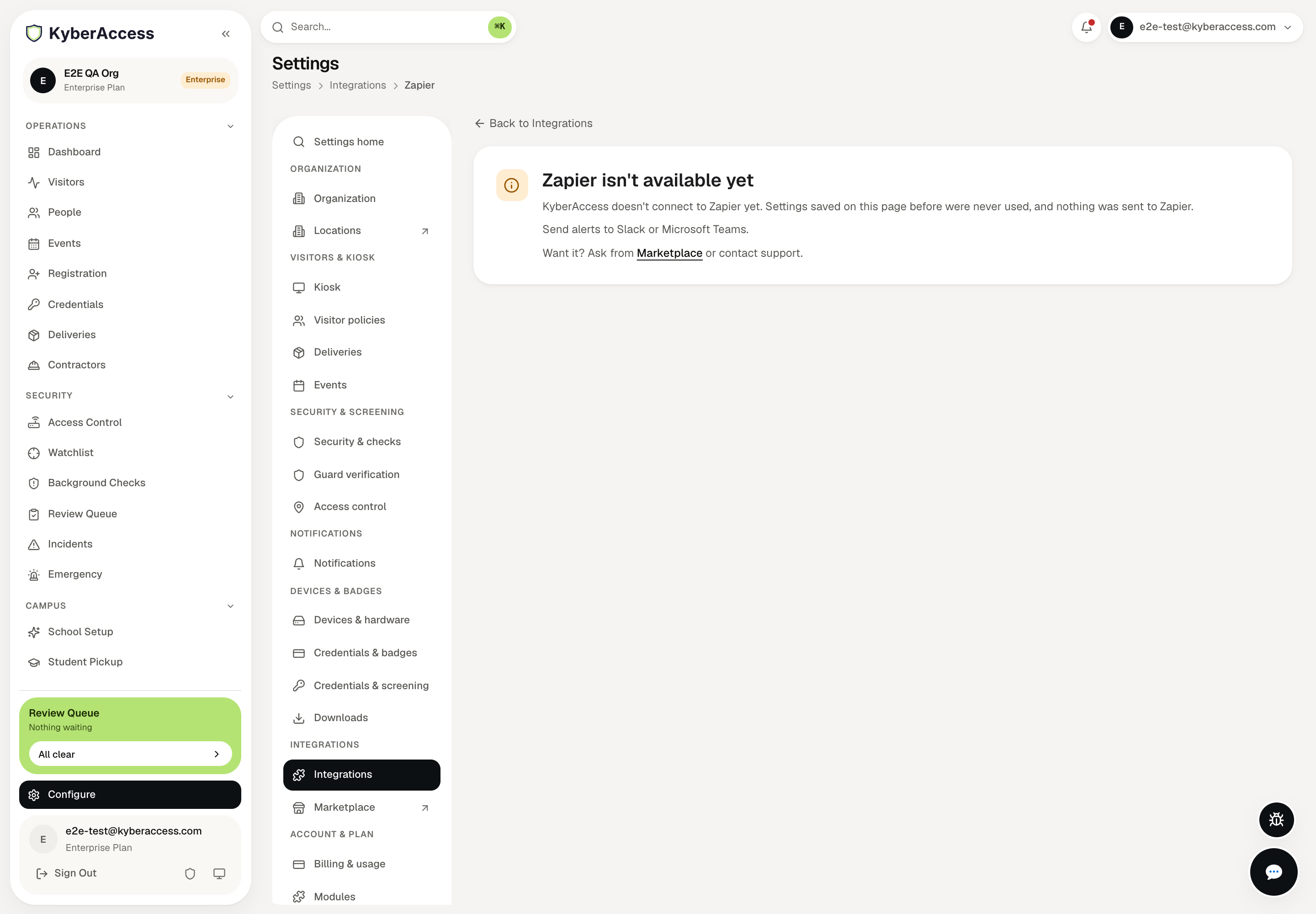
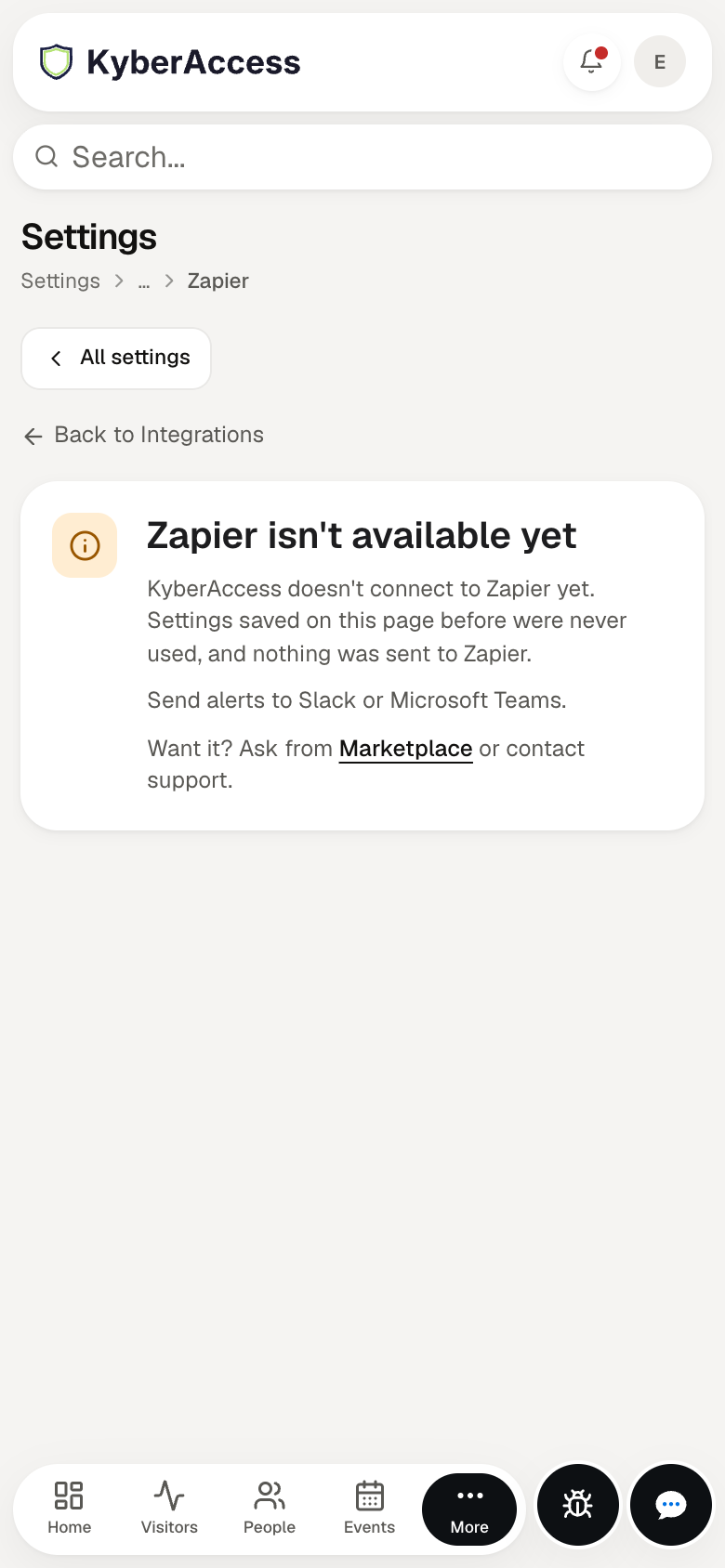
There is no Zapier connection yet. Settings › Integrations › Zapier (classic menu: Configure › Integrations › Zapier) says Zapier isn't available yet. This article explains what to use instead.
Who this is for
Owners and admins who want to send KyberAccess activity to other apps.
Before you start
Don't build Zaps that depend on the KyberAccess Zapier page. There is no KyberAccess app in the Zapier directory.
Menus: steps show the app launcher first and the classic menu in brackets. See Find your way around to tell which one you have.
What you'll see
- A notice that Zapier isn't available, with what to use instead. Keys generated on the old page never worked and no longer authenticate anything.
What to do instead
- Webhooks to Zapier aren't self-service yet either. KyberAccess can send signed visitor events to a URL such as a Zapier Webhooks by Zapier › Catch Hook, but there is no working screen to register the URL. See Webhooks and contact support.
- Post alerts to a chat channel without Zapier: Send alerts to Slack or Microsoft Teams.
- Get data out for reports: use Apps › Insights › Reports exports (classic menu: Insights › Reports).
What happens next
Nothing is sent to or accepted from Zapier through this page.
Settings that change this
None.
Troubleshooting
- Zapier can't find a KyberAccess app → there isn't one → use Webhooks by Zapier.