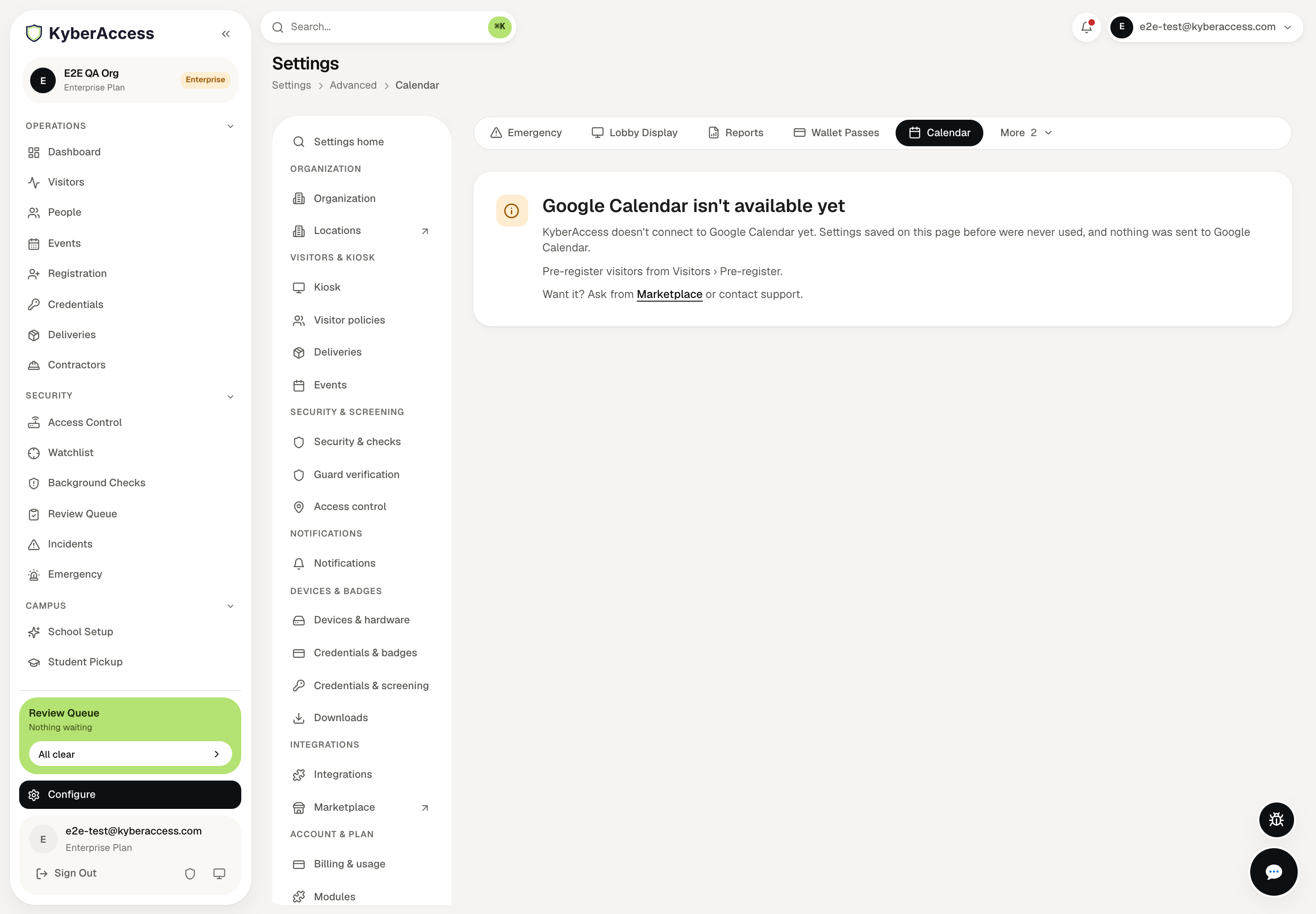
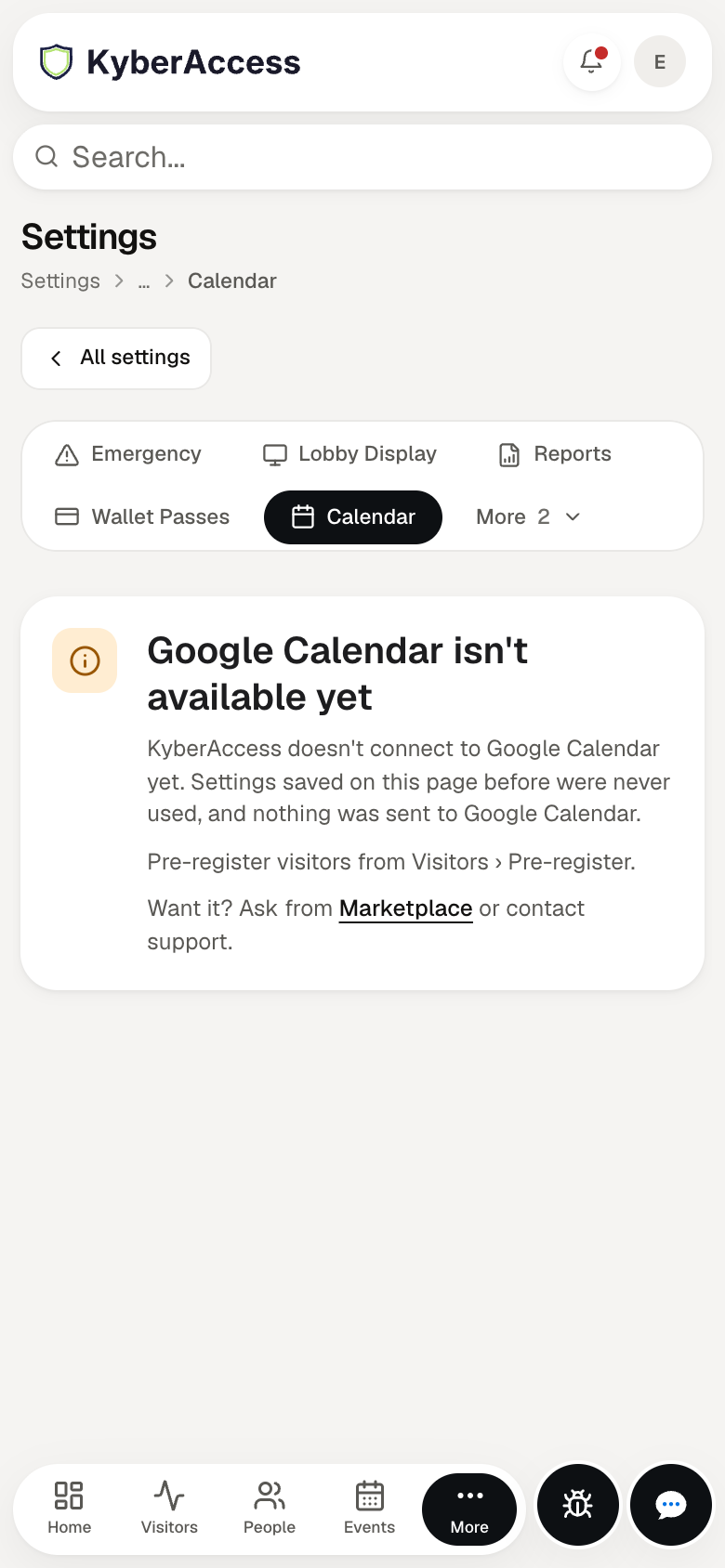
Calendar auto-registration isn't available yet. KyberAccess can't read Google Calendar or Outlook meetings or register their guests. Register visitors from the Register Visitors page instead (classic menu: Registration).
Who this is for
Owners, admins and hosts who want meeting guests registered automatically.
Before you start
Nothing to set up.
Menus: steps show the app launcher first and the classic menu in brackets. See Find your way around to tell which one you have.
What you'll see
- Settings › Integrations › Google & Outlook and Settings › Integrations › Outlook Calendar (classic menu: Configure › Integrations › Google Calendar, Outlook Calendar and Configure › Advanced › Calendar) all show …isn't available yet, with what to use instead. Settings saved there before were never used.
What to do instead
- Register visitors ahead of time on the Register Visitors page: in Front Desk, open Visitors and click Add Guest, or search (⌘K / Ctrl+K) for Pre-register a visitor (classic menu: sidebar Operations › Registration). See Pre-register a visitor (form, CSV, public link).
- For recurring guests, use a recurring pass. See Give a regular visitor a recurring pass.
- To bring school calendar events into Events (Apps › Events), use Events › Import with Veracross. That is separate from this page.
What happens next
Nothing. No meetings are read and no registrations or QR emails are sent from this page.
Settings that change this
None.
Troubleshooting
- You need calendar registration → it isn't built yet → ask for it from Settings › Billing & modules › Get more (classic menu: Marketplace) or contact support.