Screen many people at once: everyone never screened, everyone whose check is about to lapse, a type of person (for example all parents), people you tick in a list, or an event's guests.
Menus: steps show the app launcher first and the classic menu in brackets. See Find your way around to tell which one you have.
Who this is for
Owners and admins only. Background checks must be enabled and included in your plan.
Steps
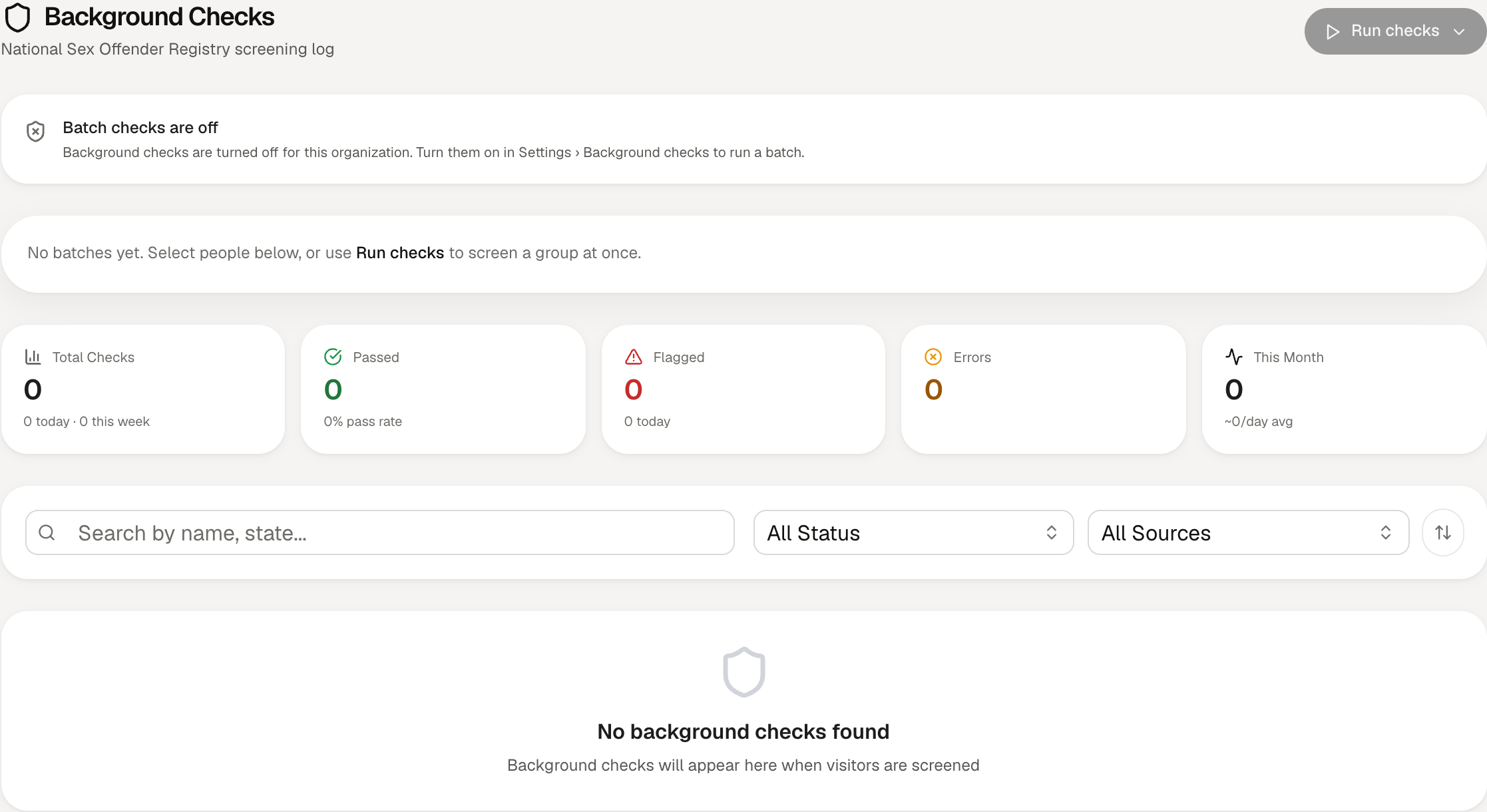
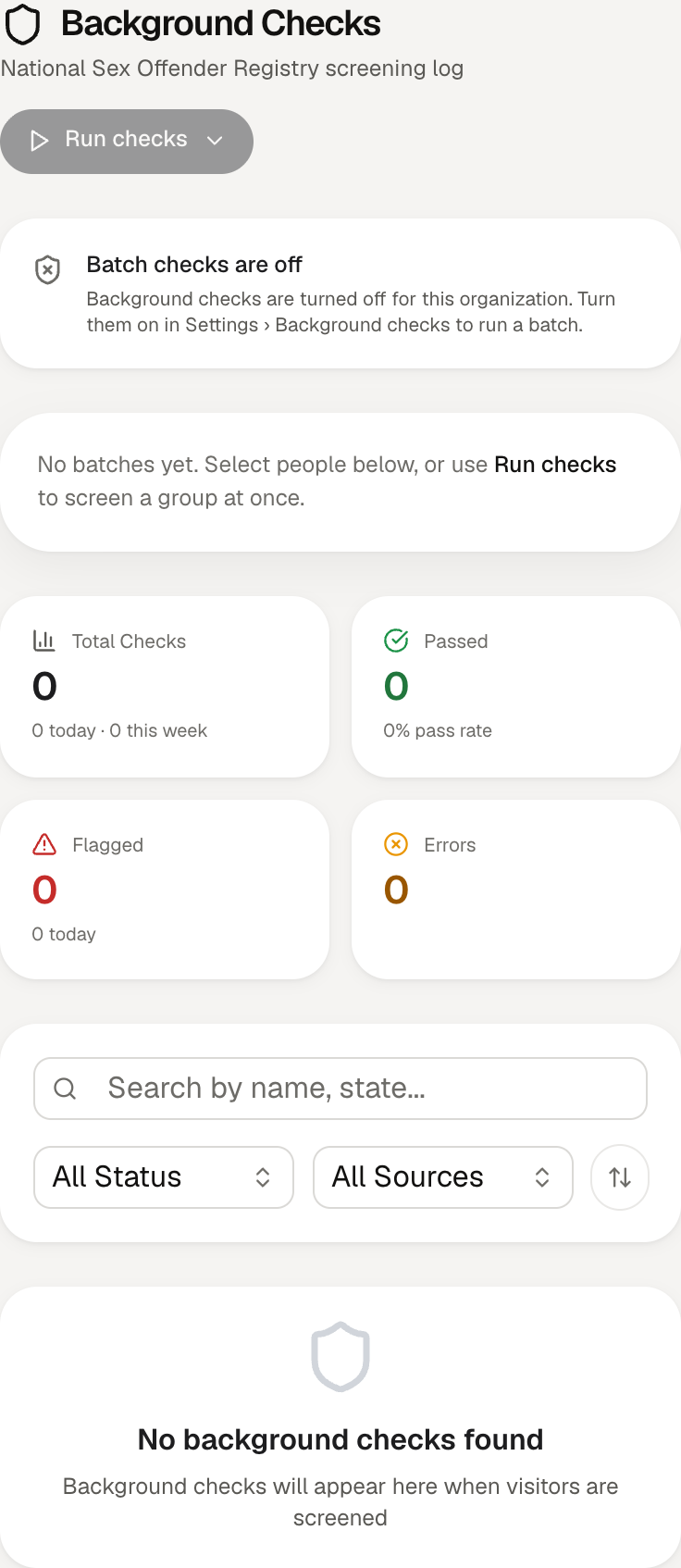
- Go to Background Checks and select Run checks.
- Choose a group:
- Everyone never screened
- Expiring within 7d, 30d or 90d (passes that lapse soon under your Recheck frequency)
- All contractors, All vendors, All volunteers or All parents
- To screen specific people, tick them in the list below and use the selection bar.
- For an event's guests, open the event and use Screen all guests, or select guests and screen them.
- Review the counts: Will be screened and Skipped, with the reasons (already screened inside the validity window, already running, already in the Review Queue, no name, students, and so on).
- Leave Re-check people already screened off to skip people still inside the window. Tick it to screen them anyway.
- Select Run N checks.
What happens next
- Checks run in the background against the national sex offender registry, about four per second. A progress panel shows the counts. Up to 500 people per batch.
- Anyone flagged goes to Review Queue. You get a notification and an email when the batch finishes.
- A check that gets no answer within 15 minutes is marked failed. Open the batch and retry the failures.
- Students are never screened.
- Trial organizations have a limited number of checks. On paid plans the sheet shows how many are included and the per-check price beyond that.
Troubleshooting
- Run checks is grey / "Batch checks are off". Turn on Settings › Security & policies › Screening provider › Enable Sex Offender Registry Checks (classic menu: Configure › Security & checks › Background Checks › Enable Sex Offender Registry Checks).
- Everyone is skipped as "already screened". Your Recheck frequency (Settings › Apps › Front Desk › Kiosk features; classic menu: Configure › Kiosk › Features) counts them as current. Tick Re-check people already screened.
- "Only owners and admins can run batch background checks." Ask an owner or admin.
Related articles
- Set how often people are re-screened
- Review and decide held visitors